





Taxi Card Payments: How Card Acquiring Works and How to Set It Up in Your Company
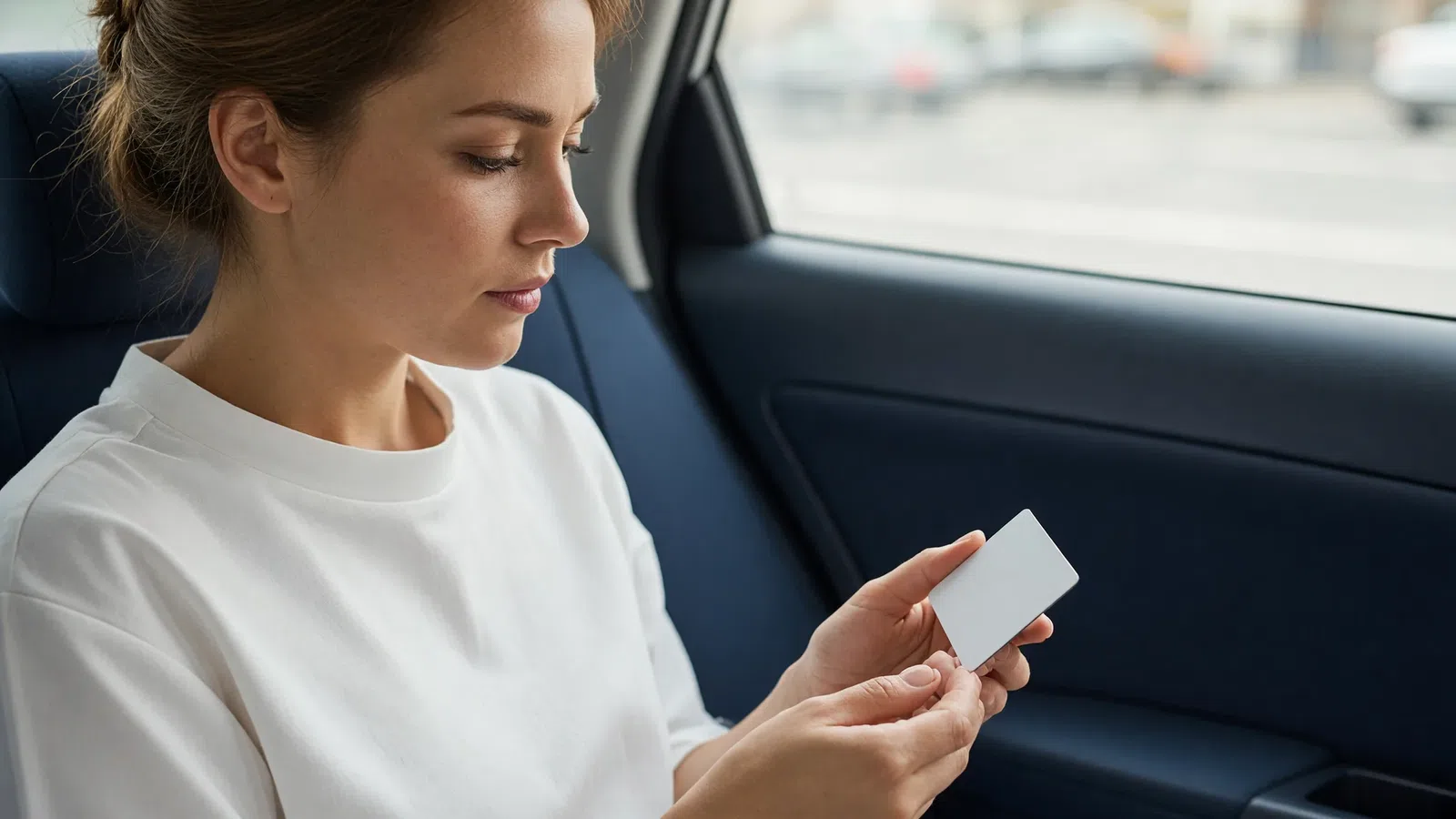
To accept taxi card payments, a company needs card acquiring: a contract with a bank or payment provider that lets it take payment by bank card. In a modern taxi company, paying by card doesn't require a terminal in the car: the passenger links a card once in the app, and after the trip the company charges the final amount automatically. The driver sees on screen that the trip is paid and gets compensation on their balance. Below we go through how it works in detail, what you need to set it up, how to keep driver settlements straight and which reports to keep.
How taxi card payments work: the payment journey
Let's go step by step, using taxi software with online payment as an example.
- Linking a card. In the passenger app, the "Payment methods" section has an "Add new card" item. It opens the payment provider's secure page right inside the app. Card details are entered on the provider's side, and the company only stores the masked number (last four digits and card type) and a token for future charges.
- Choosing a payment method. When placing an order, the passenger opens the "Payment method" window and selects the card. Cash, invoiced payment and card are mutually exclusive, while bonuses can be added to any method.
- The trip. The order is dispatched to a driver like any other. If acquiring is set up individually per driver, a card-paid order goes only to drivers who have it configured.
- The charge. When the driver completes the trip, the company charges the card. While the payment is processing, the driver's order screen is covered by a payment processing message.
- The result. The driver sees "Order successfully paid by the customer, funds charged to the card" or a failure message, in which case the trip has to be paid another way.
- The receipt. If your country requires fiscal receipts, after payment the company can show a receipt QR code in the driver app, which the passenger scans with their phone.
- Settling with the driver. Compensation for the trip cost is credited to the driver's balance, and the company's commission is charged under the usual rules.
Taxi payment methods worth supporting
A card isn't the only cashless option. In Tonotel each company configures payment types based on four basic ones:
| Payment type | Who pays | When you need it |
|---|---|---|
| Cash | Passenger to driver | Always; it's the basic option |
| Cashless (invoiced) | An organization under contract | Corporate clients on post-payment |
| Bank card | Passenger via card acquiring | Passenger app |
| Customer bonuses | Passenger's bonus account | Loyalty programs |
You can have several payment types of the same kind, for example two "cashless" types for different organizations with different terms. For each type you set whether it's available to the operator when creating an order and to the driver when closing it, as well as a minimum and maximum amount or a percentage of the fare. That's how partial payment works: for example, "bonuses for no more than half the trip".
Split payment. The passenger can cover part of the trip with bonuses and pay the rest by card or in cash. When closing an order, the driver can also split the payment into several parts if allowed: for example, part in cash and part with an organization's voucher.
What you need to accept card payments in a taxi company
1. A contract with a provider
Choose from the popular banks and payment providers in your country one that handles online payments and supports saving cards for repeat charges. Find out:
- the fee and how it changes as your volume grows;
- how long it takes for money to reach the company's account;
- whether the provider supports refunds and partial refunds;
- whether fiscal receipts are required and who issues them.
2. Taxi software with online payment
The software has to support your provider. The list of available providers usually depends on the country where the company operates. Ask the software vendor whether there's a ready-made connection to your provider and whether you can use your own payment handler if you have your own payment gateway.
3. Setting it up in the system
The general sequence:
- Create a payment system: name, merchant credentials, provider, fee percentage.
- Give the provider the address for payment status notifications, if the provider requires it.
- Create a "Credit card payment" payment type and link it to the acquiring setup.
- Set the driver compensation on the payment type.
- Enable this payment type in the passenger app settings and in the relevant order types.
- Make a test payment and check the payment report.
Linking a payment type to a specific acquiring setup is usually done by the system vendor as part of the connection, so clarify this step in advance.
How the driver gets their money back: compensation
The central question of cashless payment: the money went to the company, but the driver did the trip. If you don't set this up, the driver is effectively driving for free.
The solution is driver compensation on the payment type. At 100%, after the trip the system automatically credits the full trip cost to the driver's balance and then, as usual, charges the company's commission according to the driver's work terms.
Illustrative example. A trip costs 200 units and is paid by card. The company's commission for this driver is 15%.
| Transaction | Amount |
|---|---|
| Payment type compensation (100%) | +200 |
| Per-order charge (15%) | −30 |
| Net to the driver's balance | +170 |
For comparison: with a cash payment the driver would receive 200 from the passenger in hand, and 30 would be charged to their balance. The result for the driver is the same; the only difference is where the money sits.
The acquiring fee. The provider keeps its percentage. You can build it into the fare or the driver terms, or treat it as a company expense. The key thing is to decide in advance.
Centralized acquiring or per driver
| Model | How it works | Best for |
|---|---|---|
| Centralized | All payments go to the company's account, and the driver is credited compensation | Most companies: unified accounting, transparent reports |
| Individual | The driver has their own acquiring, set in their profile | When drivers work as independent businesses |
With the individual model, card-paid orders go only to drivers who have acquiring configured. Keep this in mind when planning shifts.
Taking money from drivers: terminals
Card acquiring handles money from passengers. The reverse flow, drivers topping up their balance, can be automated too. At payment terminals the driver deposits cash, enters their call sign, and the money goes straight to their balance in the system minus the company's commission. No need to come to the office, and the accountant doesn't have to post each top-up manually.
Card payment accounting and reports
Each card payment stores the customer, order, amount, fee, the dates of creation, processing and refund, and the provider's full response, which is used to sort out disputes. A payment has eight states: new, created, processing, processed, refunded, failed, expired and awaiting capture.
When card acquiring is first connected, Tonotel automatically creates a "Customer card payments" report with totals for payment amounts and fees. It's convenient to reconcile it with the provider's statement once a day or once a week.
If a charge fails: a procedure for drivers and dispatchers
Even with well-configured acquiring, some charges fail: insufficient funds, the bank declined the transaction, the card has expired. At that moment the driver sees the message "Could not charge the customer's bank card". To avoid an argument right in the car, set up a simple procedure in advance:
- The driver tells the passenger that the payment didn't go through and offers another method: cash or a different card.
- If the passenger can't pay, the driver contacts the dispatcher rather than resolving it themselves.
- The dispatcher records the situation in a comment on the order so it shows up in reports.
- Once a week the shift supervisor reviews failed payments in the report and decides whether to restrict card payment for such customers or add them to the blacklist.
Repeated problems with the same card are a signal to check not just the customer but also the provider settings.
Payment data security
The passenger enters the card number and security code on the payment provider's page, not in the company's software. The system keeps only the masked number, the card type and a token for repeat charges. Even so, access to acquiring settings should be given to as few staff as possible: in Tonotel there's a separate "Payment systems" permission for this, which dispatchers don't need. It's also worth limiting who can export payment reports.
Checklist for launching card payments
- [ ] A provider has been chosen, the contract signed and credentials received.
- [ ] You've decided who bears the acquiring fee.
- [ ] A card payment type has been created, with driver compensation at 100%.
- [ ] Card payment is enabled in the passenger app and in the relevant order types.
- [ ] Bonus limits have been checked: how much of a trip can be paid with them.
- [ ] Drivers know what to do if a charge fails.
- [ ] A test trip has been done, the payment shows in the report and the compensation is on the driver's balance.
- [ ] Regular reconciliation of the report with the provider's statement is set up.
How card payments help the business
- More app orders. Passengers find it easier not to think about cash.
- Fewer disputes over change and amounts. The total is calculated by the software and charged automatically.
- Transparency. All cashless revenue is visible in reports, not just in the driver's pocket.
- Corporate clients. Cashless settlements with organizations run in parallel, through their balance.
Frequently asked questions
How does paying by card in a taxi work?
The passenger links a card once in the company's app and selects it as the payment method when booking. When the trip ends, the company charges the final amount to the card through card acquiring, and the driver sees in the app that the trip is paid. No cash or in-car terminal is needed.
What do I need to accept card payments in my taxi company?
You need a contract with a bank or payment provider that operates in your country, merchant credentials from the provider, and taxi software that works with it. In the software you create a payment system, set up the card payment type and enable card acceptance in the passenger app.
How does the driver get paid for a trip paid by card?
The money goes to the company's account, and the company compensates the driver for the trip cost on their balance in the system. In Tonotel this is set with the "Driver compensation" field on the payment type: at 100% the driver gets the full trip cost back, and then the company's usual commission applies.
Can a passenger pay for part of the trip by card and part with bonuses?
Yes, if the software supports split payment. The passenger can cover part of the amount with bonuses and pay the rest with the chosen method. The company can limit how much of an order may be paid with bonuses.
How much does card acquiring cost for a taxi company?
The acquiring fee is set by the bank or payment provider and is usually a percentage of the payment amount. It's worth building it into your fares or your driver terms. In the software the fee percentage is entered in the payment system settings, and the actual fee amount is stored for each payment.
Summary
Taxi card payments aren't just a contract with a bank; they also need the right setup inside the software: payment types, driver compensation, bonus limits and regular report reconciliation. Once these four elements are in place, card payment becomes as familiar and transparent for the company as cash, only without the disputes and manual bookkeeping.