





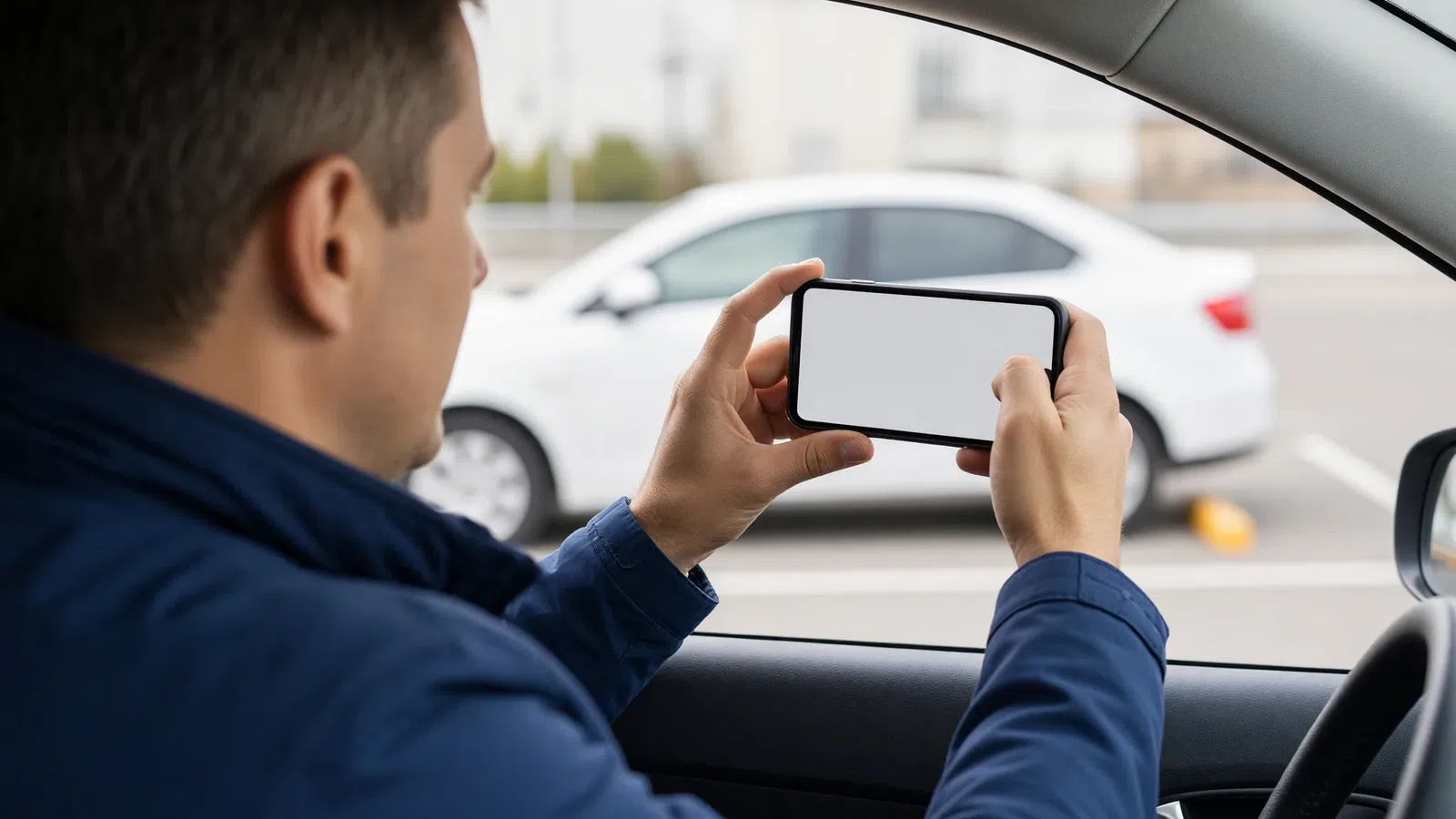
A taxi vehicle inspection by photo is a regular remote check of the cars: the company sends the driver a task, the driver photographs the car following ready-made samples right in the app, and a staff member reviews the photos and accepts or rejects the task. It's the cheapest way to check the condition of fleet cars without site visits or queues at the yard. To make it work you need three things: a clear list of angles, a clear schedule and consequences for those who fail.
Below we cover which photos to request, how often to check, how to link photo inspection to the rating and to permission to work, and how to introduce it without conflicts with drivers.
Why a taxi company should check its cars
Passengers judge the company by the car that turns up. A dirty interior, a cracked windscreen or the smell of tobacco cancel out both a good price and a fast pickup. For owners who rent out cars, there are also direct financial risks.
| What we check | What risk it reduces |
|---|---|
| Interior and exterior cleanliness | Low passenger ratings, complaints, customer churn |
| Body and glass damage | Hidden accidents, disputes over who is at fault |
| Tyres and lights | Passenger and driver safety |
| Mileage and dashboard | Tracking wear and service intervals |
| Car matches its profile | Car swapping, driving someone else's car |
| Branding and stickers | A consistent company look |
If your business is built on renting cars to drivers, photo inspection becomes an essential part of record keeping. Photos taken at every handover help settle disputes about where a new scratch came from.
How to check the condition of fleet cars: 4 methods
| Method | Pros | Cons | Who it suits |
|---|---|---|---|
| Inspection at the yard | The most thorough | Drivers lose time; needs staff and space | A small fleet with its own base |
| Spot checks on the road | Element of surprise | Hard to scale | Companies in one district |
| Checks after complaints | Needs no resources | Reaction only after the problem | As a supplement |
| Taxi vehicle inspection by photo | Remote, regular, with a photo history | Doesn't replace a roadworthiness test | Any fleet, especially a dispersed one |
In practice, a combination works best: photo inspection as the regular check, a yard inspection once a quarter and unscheduled checks after complaints.
How taxi vehicle inspection works in the software
In Tonotel, photo inspection is a separate module enabled for a company on request. Once enabled, it appears in the admin panel, and a "Photo inspection" menu item appears in the driver app.
The module has four levels:
- Scenario: a description of the check: name, explanation for the driver, deadline, suspension reason on failure, automatic acceptance settings and operator notifications. Photos for review can be sent to a group chat in a messenger, where the responsible staff member looks at them.
- Sample photos: examples with descriptions of exactly what to shoot and from which angle.
- Driver task: a specific check for a specific driver, with a status: "New", "In progress", "Completed", "Rejected".
- Uploaded photos: the driver's pictures with their review statuses.
Results appear in the "Photo inspection" report: for each task, the call sign, car, scenario, status, number of required and accepted photos, and photo thumbnails right in the table. You can build a "new / accepted / rejected" breakdown and filter by driver or car.
Which photos to request: taxi vehicle inspection checklist
Too long a list annoys drivers; too short a list is useless. For a scheduled check, 8–12 photos are enough.
Basic "Weekly check" scenario:
- [ ] front of the car with the licence plate;
- [ ] full left side;
- [ ] full right side;
- [ ] rear of the car with the licence plate;
- [ ] windscreen from inside;
- [ ] front seats;
- [ ] rear seat;
- [ ] open boot;
- [ ] dashboard showing mileage with the engine running;
- [ ] a close-up of one tyre showing the tread.
Short "Interior cleanliness" scenario, for an unscheduled check after a complaint: front seats, rear seat, mats, boot.
"Car handover" scenario, for fleets that rent out cars: all sides of the body, interior, mileage, fuel level, equipment (spare wheel, first aid kit, fire extinguisher).
Tips for samples:
- take samples on the same or a similar car, in good light;
- in the sample description, state exactly what must be in the frame: "plate readable, whole car visible";
- don't ask for the impossible: a driver on the road can't photograph the underbody.
How often to run photo inspections
| Type of check | Frequency | Scenario |
|---|---|---|
| Scheduled | Every 7–14 days | Weekly check |
| After a complaint | The same day | Interior cleanliness |
| After an accident or repair | Right after the event | Weekly check |
| Newcomer | On the first shift and after 2 weeks | Weekly check |
| Rental car | At every handover | Car handover |
The frequency is an example; adjust it to your fleet size and your reviewers' workload.
Automation: so you don't have to hand out tasks manually
The most inconvenient part of photo inspection is remembering who is due for a check and when. You can hand this job to the software through the rewards and penalties rules:
- the condition "Hasn't passed photo inspection X in the last Y days" + the action "Activate photo inspection": the driver automatically gets a task when it's due;
- the same condition + "Send a notification to the driver": a gentle reminder;
- the same condition + "Lower rating": for those who ignore tasks.
These conditions are checked on a schedule, so the task won't arrive the same second but at the next check. For a weekly inspection, that makes no difference.
If a driver fails the check, the scenario applies the specified suspension reason: the driver can't receive orders until the problem is fixed.
How a driver passes the photo inspection
Explain the driver's side of the process when hiring. Here's how to pass a vehicle photo inspection in the Tonotel driver app, step by step:
- Prepare the car. Before opening the task, wash the body, tidy the interior and boot, and wipe the licence plates. Park in an open spot with good light and mobile internet.
- Open the task. The app checks for tasks itself and sends an "Active photo inspection tasks" notification, and a task counter appears next to the "Photo inspection" menu item. If the dispatcher has just issued a task, open the section manually: the list updates immediately.
- Check the deadline and samples. Each task in the list shows its name, description and deadline. Tap the task, read the description and look at the sample photos, then tap "Start". If the app says "Loading photos…", wait for the samples to download.
- Shoot using the template. The screen shows the camera with a sample of the required angle next to it. Match the sample's angle; in low light, turn on the flash.
- Check the shot. After taking a photo, the driver saves it or deletes it and retakes it. One template, one photo, so delete a bad shot first. You can only move to the next template after saving or deleting the current one.
- Send the photos. Each saved photo goes to the company immediately. If the connection drops, the photo has to be retaken.
- Wait for the review. The app doesn't show a separate "task completed" message: once all photos are sent, the task disappears from the list. The decision on permission to work is made by a company staff member.
The section is also available when the shift is closed, so the check can be completed before going online.
A two-week rollout plan
- Define the goal. Cleanliness, technical condition, tracking rental cars: the set of angles depends on it.
- Enable the module with your system provider.
- Create 2–3 scenarios and take samples on a real car.
- Assign a reviewer and a response time, for example within two hours.
- Announce the rules to drivers in advance: why the check exists, how often it happens, what happens on failure.
- Run a pilot with one driver group for a week and collect questions.
- Set up automatic tasks based on the date of the last check.
- Review the report monthly: who has the most rejected photos, how many tasks are overdue.
Common mistakes
- Photo inspection as punishment. If the check is seen as a hunt for a reason to fine, drivers will shoot "just to get it through". Explain that it's about caring for passengers and the car.
- Too many photos. 25 angles every week is guaranteed irritation.
- No reviewer. Tasks pile up, drivers wait for a decision and the system loses its point.
- No consequences. If failing the check affects nothing, within a month people will stop doing it.
- Unclear samples. The driver doesn't understand what to shoot, and photos get rejected on technicalities.
Checking cars is part of the overall motivation system: a car in good condition can be rewarded with rating points just like punctuality.
Frequently asked questions
What is a taxi photo inspection?
It is a remote vehicle check: the company sends the driver a task, the driver photographs the car following the samples in the app and sends the photos, and a staff member reviews them and accepts or rejects the task.
How often should a taxi vehicle inspection be done?
There is no single rule. Many companies run a scheduled check once a week or every two weeks, plus unscheduled ones after a passenger complaint, an accident or a repair. For cars the company rents out, it makes sense to check at every handover.
What photos are needed for a taxi vehicle photo inspection?
Usually the four sides of the body, the front and rear seats, the boot, the dashboard showing mileage and no warning lights, the tyres and the licence plate. The exact set is defined by the company through sample photos in the scenario.
What happens if a driver fails the photo inspection?
That's up to the company. The scenario can specify a suspension reason that is applied on failure, and then the driver can't work until they fix the problem and pass the check again.
Do all Tonotel customers have photo inspection?
No, photo inspection is a separate module enabled on request. If you don't see it in your admin panel, contact your system provider.
How do I pass a vehicle photo inspection the first time?
Before shooting, wash the car and tidy the interior: mats, seats and boot should be clean. Shoot in daylight or good lighting, without glare or harsh shadows, and use the flash only in the dark. Take each shot at the same angle as the sample in the app: the whole car in the frame, no cropped corners. The licence plate must be clean and readable in the photo. Check each shot before saving it and retake it if needed, and shoot somewhere with mobile internet.
Conclusion
Taxi vehicle inspection by photo lets you check the condition of your fleet cars regularly without site visits or queues at the yard. Start with a short scenario of 8–12 photos, assign a reviewer, announce the rules to drivers and let the software hand out tasks based on the date of the last check. Then inspection becomes routine rather than a source of conflict, and passengers will more often get into clean, well-maintained cars.